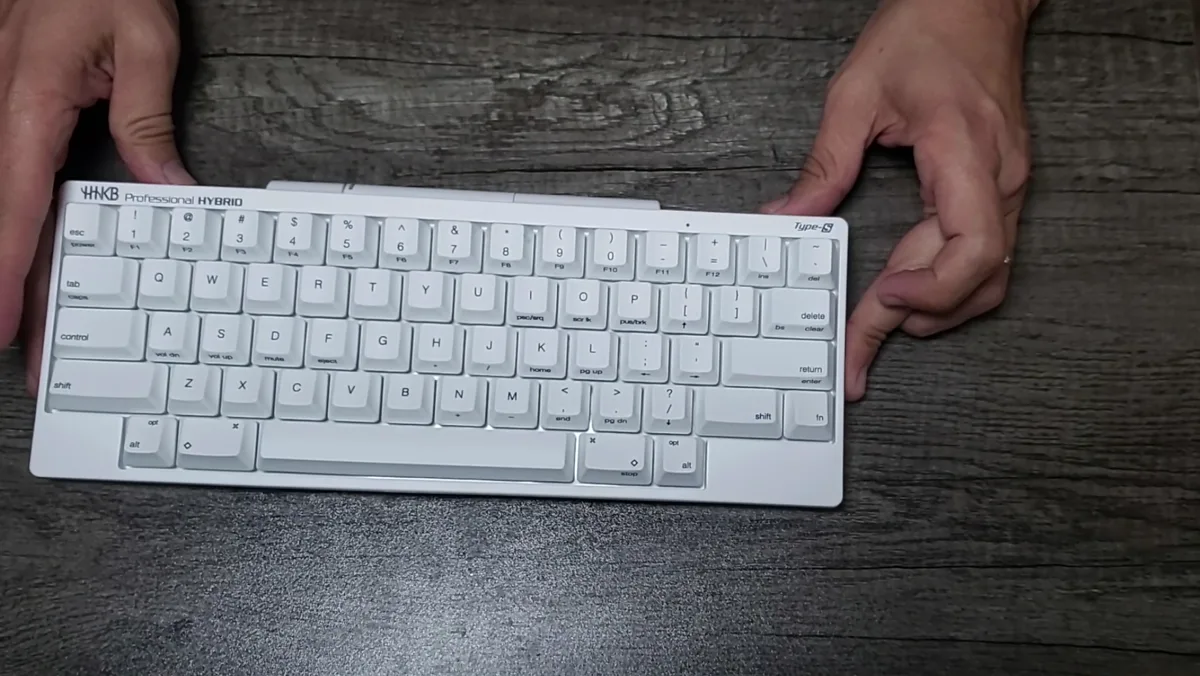
Disclosure: PFU America sent me the HHKB Professional Hybrid Type-S free of charge for this review. They didn't see this article before it went live and had no say in what I wrote. Amazon links on this page are affiliate links: if you buy through them I may earn a small commission at no extra cost to you.
The Happy Hacking Keyboard has a cult following among programmers, and the Professional Hybrid Type-S is the version most people mean when they talk about it: a 60-key board with Topre switches, Bluetooth and a layout that hasn't changed much in decades. I spend my days writing code, writing for this blog and doing IT support, and before the HHKB I was typing on a plain membrane office keyboard. So this review is written from that angle: what it's like to jump from an ordinary keyboard to one of the most talked-about keyboards for developers.
Quick verdict
The typing feel is the reason to buy it, and it lives up to the hype once you give it a little time. The layout is the reason to think twice: there are no dedicated arrow keys, and after using it I still miss them. If you're willing to adapt, it's one of the nicest keyboards you can type on all day.
| Best for | Programmers and writers who type for hours and want a compact, quiet board |
| Skip if | You rely on arrow keys, F-keys or a numpad every few seconds |
| Biggest strength | The Topre typing feel |
| Biggest weakness | No arrow keys; everything lives behind the Fn layer |
Specs
| Spec | HHKB Professional Hybrid Type-S |
|---|---|
| Layout | 60-key HHKB layout (US) |
| Switches | Topre Type-S electrostatic capacitive, 45 g, silenced |
| Connectivity | Bluetooth (up to 4 devices) + USB-C wired |
| Power | 2 × AA batteries, or USB when wired |
| Weight | About 580 g (1.28 lb) with batteries |
| Keycaps | PBT, dye-sublimated (stamped or blank) |
| Colors | Charcoal, White, Snow |
| Price | List about $337–$357 depending on color; retailers often sell it for less |
Unboxing and first impressions
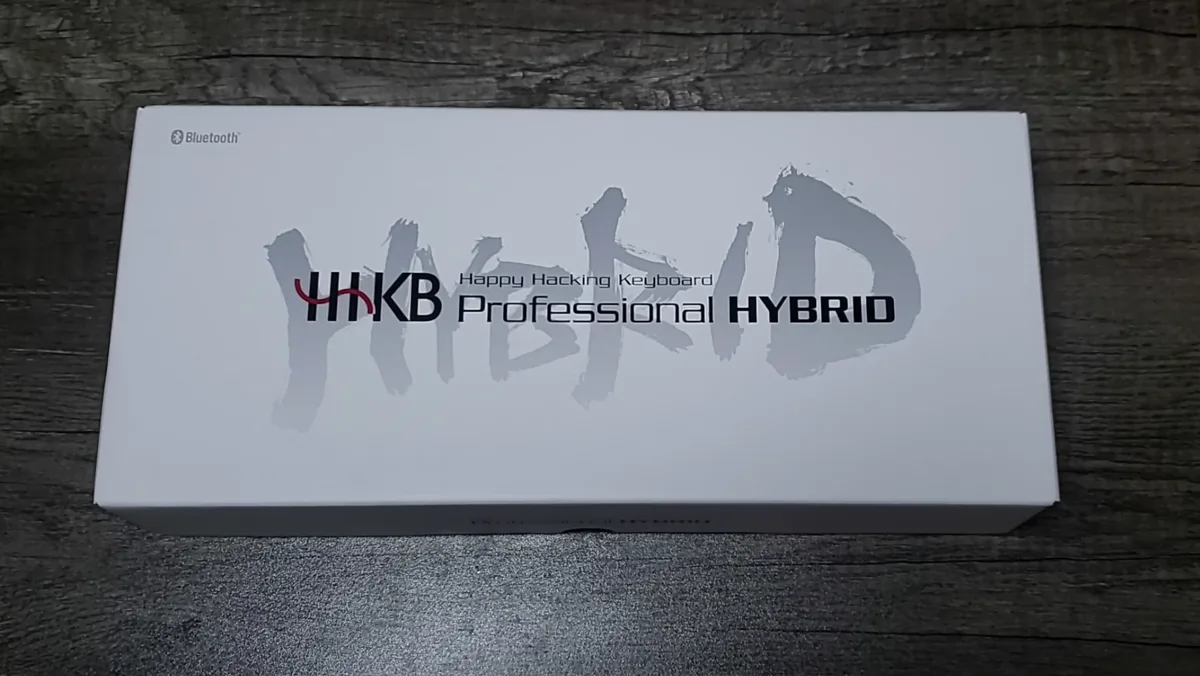
The packaging is simple and clean: a white box with the big "HYBRID" lettering, the keyboard wrapped in plastic, a small manual and a pair of AA batteries. There's no USB cable in the box, so bring your own USB-C cable if you want to use it wired or program it.
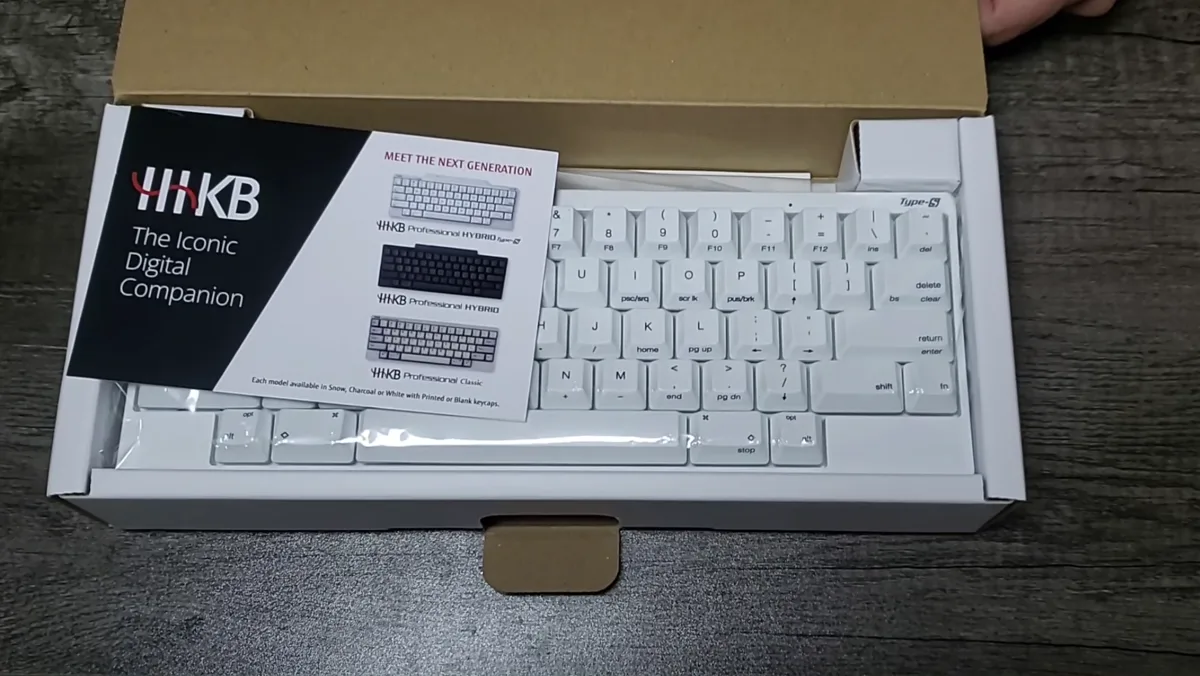
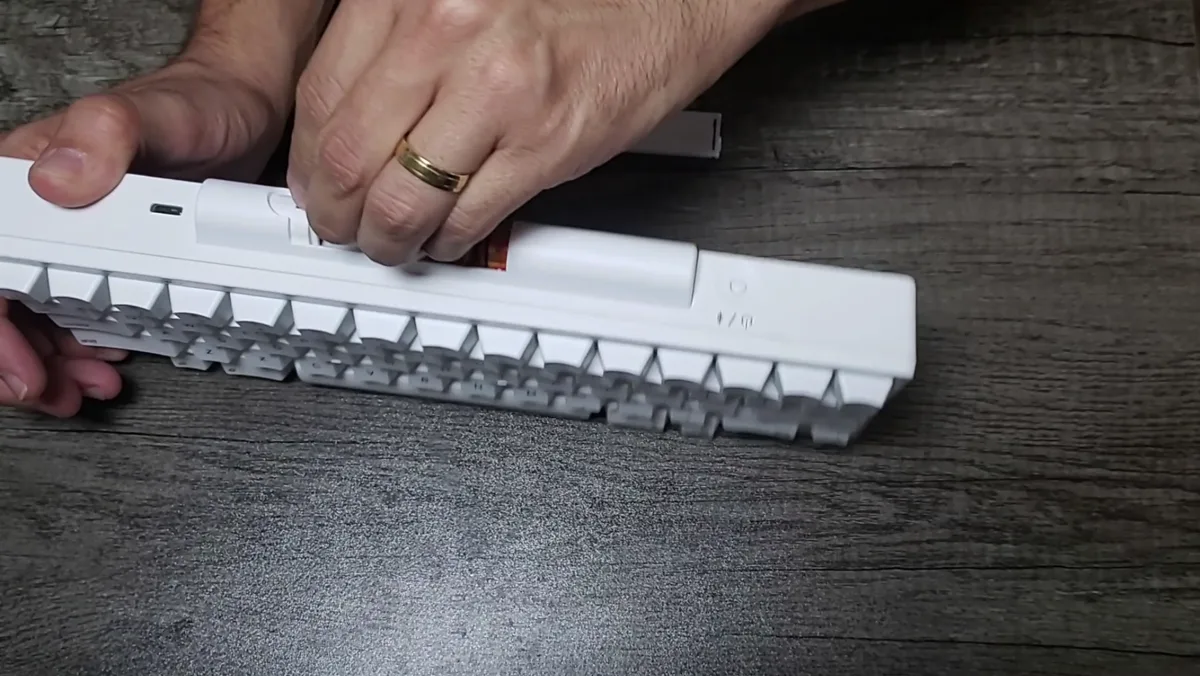
Out of the box, the Snow colorway looks great on a desk. The keyboard is small, but it doesn't feel cheap: it's solid, it doesn't flex and the textured PBT keycaps feel good under your fingers. The batteries go into a compartment on the back edge, which also works as the raised section that gives the board its typing angle.
The typing feel: Topre took time to grow on me
Coming from a membrane keyboard, my first reaction was "this feels soft." Topre switches use a rubber dome with a spring underneath and an electrostatic capacitive sensor, so the press is smooth and cushioned with a light bump at the top, not the sharp click of a mechanical switch. The Type-S version is also silenced, so it's quiet enough for an office or a late-night coding session.
It took time to grow on me. The first sessions felt different more than better. After a while, though, the smoothness grows on you. The sound is a soft, muted thock instead of the hollow clack of an office keyboard. This is the single best thing about the HHKB, and it's the reason people pay this much for a keyboard.
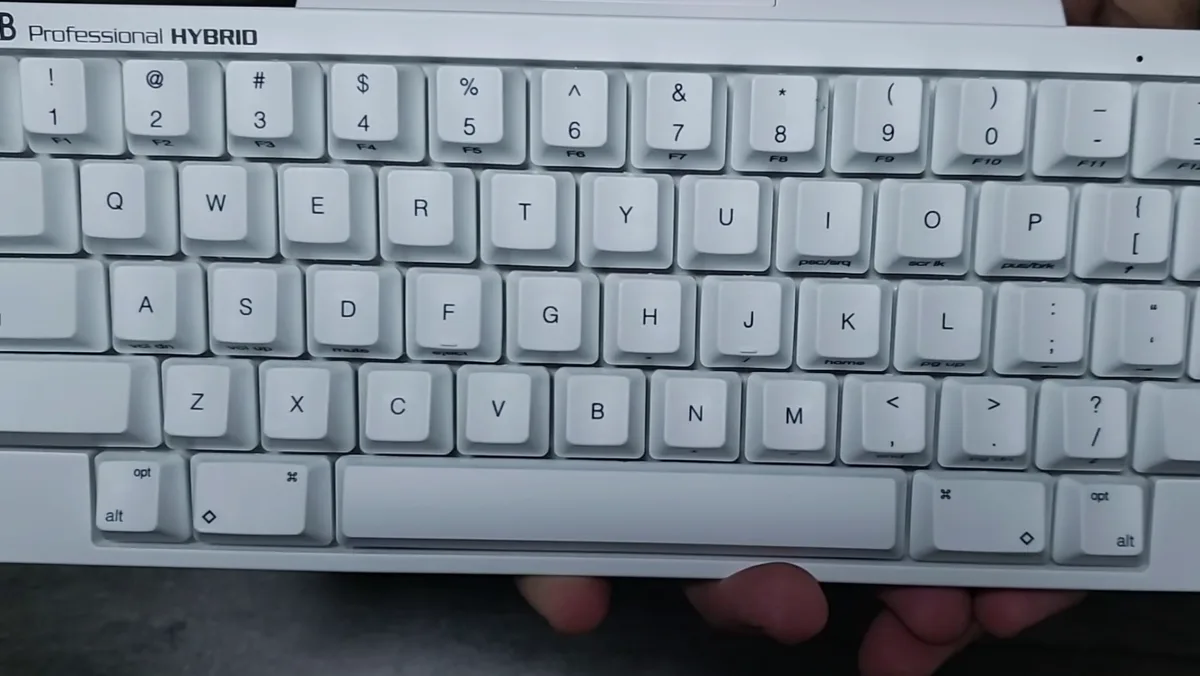
The layout: still missing the arrow keys
The HHKB layout is famous, and it's built for people who live on the home row:
- Control sits where Caps Lock usually is. For shortcuts (copy, paste, save, terminal commands) this is great once your hand learns it.
- Delete is where Backspace normally is, and Esc sits next to the 1 key.
- There are no arrow keys, F-keys, Home/End or Page Up/Down. All of them are on the Fn layer.
Here's my honest take: I still miss the arrow keys. When I'm editing code, moving through a document or jumping around a terminal, reaching for Fn plus another key slows me down. Some people get used to it in a few days and never look back. I didn't fully get there. If you're a heavy Vim user you'll probably feel right at home. If you use arrow keys constantly, expect an adjustment period, or look at the DIP switches and the Keymap Tool to remap things to your taste.
A few more layout details to know:
- DIP switches on the bottom let you change some behavior, like Mac/Windows modes and swapping Delete/Backspace.
- Custom keymaps are saved on the keyboard itself, so they follow you to any computer. The catch is that the Keymap Tool runs on Windows only and needs a USB connection to program the board.
- Media keys only work on Mac, according to other reviews I read. I mostly used it for typing, so this didn't affect me.
Bluetooth and daily use
I used the Type-S over Bluetooth almost the whole time and didn't have any connection issues. It pairs with up to four devices and you switch between them with a key combination, which is handy if you move between a laptop and a desktop during the day. It runs on two AA batteries, which PFU estimates last around three months depending on use, and they're easy to swap.
Who should buy it
Buy the HHKB Professional Hybrid Type-S if:
- You write code or long-form text for hours and care about typing comfort.
- You want a compact board that frees up desk space for your mouse.
- You need a quiet keyboard for a shared office or late nights.
- You're coming from a membrane keyboard and want the biggest upgrade in feel you can get.
Skip it if:
- You use arrow keys, F-keys or a numpad constantly and don't want to learn a Fn layer.
- You want RGB, hot-swappable switches or heavy customization. The HHKB Studio or a regular mechanical keyboard is a better fit.
- You're on a tight budget. My mechanical keyboard buying guide has great options for a fraction of the price.
Final verdict
The HHKB Professional Hybrid Type-S is a keyboard you learn to love. The Topre switches took me some time, but once they grew on me, the typing feel became the best thing about it. The build quality is excellent, Bluetooth was flawless and the Snow colorway looks fantastic. The layout is the trade-off: losing dedicated arrow keys is a real cost, and it's the one thing I never fully made peace with.
If typing feel is your top priority and you're open to adapting, it's worth it. If you want the HHKB experience plus a built-in pointing stick and hot-swappable switches, read my HHKB Studio review, which ended up being my favorite of the two.