Disclosure: PFU America sent me the HHKB Studio free of charge for this review. They didn't see this article before it went live and had no say in what I wrote. Amazon links on this page are affiliate links: if you buy through them I may earn a small commission at no extra cost to you.
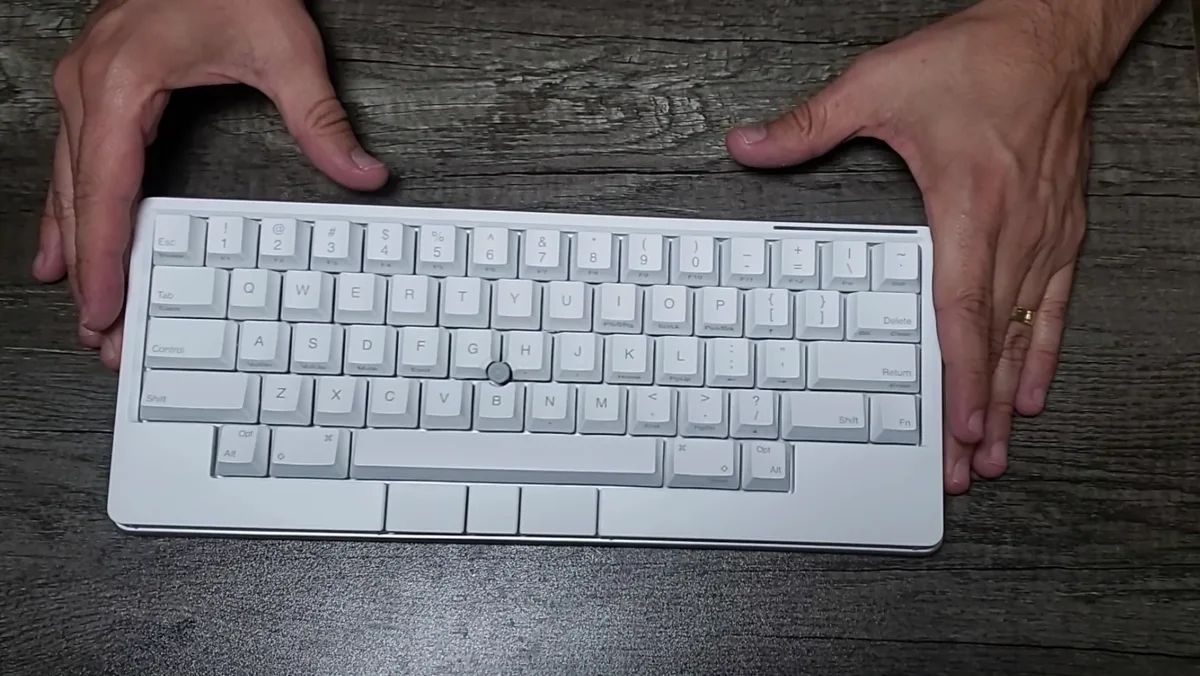
The HHKB Studio is the boldest Happy Hacking Keyboard in years. It keeps the famous 60% HHKB layout but swaps the Topre switches for hot-swappable mechanical ones, and adds two things no other HHKB has: a ThinkPad-style pointing stick in the middle of the keys and touch-sensitive gesture pads around the edges. The big tech sites were mostly unimpressed. After using it for coding, writing and my IT support work, I came away with a different opinion: of the two HHKBs PFU sent me, this is the one I'd keep.
Quick verdict
The pointing stick is the star. I used it a lot instead of my mouse, and it's genuinely great for quick cursor moves without leaving the home row. The gesture pads are useful too. The main downside I ran into is weight: this is a very heavy keyboard for its size.
| Best for | Developers who want keyboard and mouse in one compact board |
| Skip if | You want a light board to carry around, or you love Topre specifically |
| Biggest strength | The built-in pointing stick |
| Biggest weakness | It's heavy for a 60% keyboard |
Specs
| Spec | HHKB Studio |
|---|---|
| Layout | 60% HHKB layout (US) |
| Switches | HHKB linear mechanical, 45 g, 3.6 mm travel |
| Hot-swap | Yes, standard MX-style 3-pin and 5-pin switches |
| Pointing device | Pointing stick with 3 mouse buttons |
| Gesture pads | 4 touch pads on the front edge and sides |
| Connectivity | Bluetooth (up to 4 devices) + USB |
| Power | 4 × AA batteries, or USB power |
| Weight | 1.9 lb (about 860 g) without batteries |
| Size | 12 × 5.2 × 1.6 in |
| Keymaps | Up to 4 profiles with the HHKB Keymap Tool |
| Price | List $329; often found for less at retailers |
Unboxing and first impressions
The Studio comes in a premium black box that feels a step up from the Type-S packaging. Inside you get the keyboard under a protective sheet, a "Welcome to HHKB Studio" card, setup instructions and a small accessories bag.
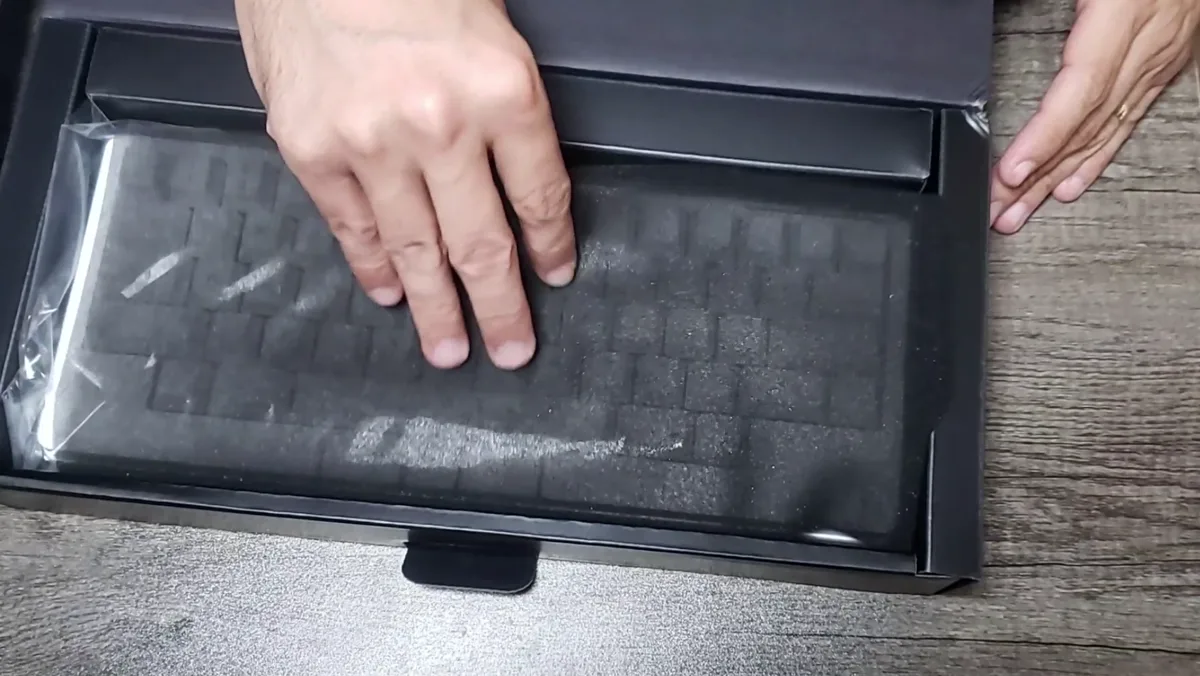
The first thing you notice when you lift it out is the weight. It's dense and solid, closer to a heavy desktop board than to a small portable one. The Snow colorway with stamped keycaps looks clean, and the small pointing stick sitting between the G, H and B keys immediately tells you this isn't a normal HHKB.
The pointing stick: the reason to buy it
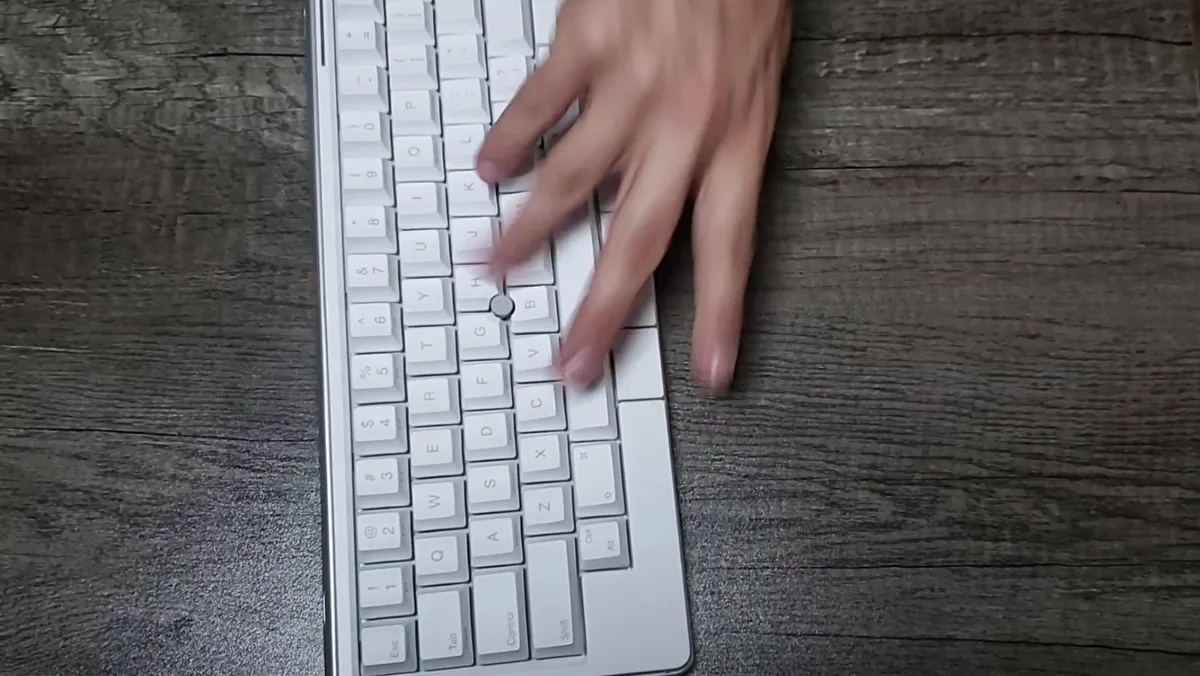
If you've used a ThinkPad, you know the idea: a small stick in the middle of the keyboard that you push with your index finger to move the cursor, with three mouse buttons below the space bar. On the Studio it works the same way, and I used it a lot.
For the kind of work I do (coding, writing and IT support), it's great. Quick moves like clicking into another pane in my editor, selecting text or focusing a different window happen without taking my hands off the keyboard. This is the feature that makes the Studio different from every other compact keyboard, and it's the main reason it's my favorite of the two.
Gesture pads: actually useful
The Studio has four touch-sensitive gesture pads on the front edge and sides. You slide a finger along them to trigger actions, and you can customize what they do in the Keymap Tool. I used them for volume control and switching between windows, and they were genuinely useful for both.
Some reviewers complained about bumping the pads by accident while typing. That wasn't a big problem for me. It's worth knowing about, though, especially if you rest your hands on the front edge of the keyboard.
Typing feel: linear switches vs Topre
The Studio uses HHKB's own linear mechanical switches: 45 g, smooth, no bump and no click, with sound dampening built in. Compared with the Topre switches on the HHKB Professional Hybrid Type-S, they're simply different. Topre is cushioned with a soft bump at the top. The Studio's linears are a smooth, straight press. I enjoyed typing on both. Neither one is better, they just feel different, so pick the feel you prefer.
Because the switches are hot-swappable, you can replace them with any standard MX-style switch (Cherry, Gateron, Kailh and others) without soldering. If you want a tactile or heavier switch, you can change it in a few minutes. That's something you can't do on any Topre HHKB.
The downside: it's heavy
The one complaint I have is weight. The Studio is listed at 1.9 lb without batteries, and once you add four AA batteries it gets heavier still. That's a lot for a 60% keyboard. On a desk this isn't a big deal, but it's not the board I'd throw in a backpack every day. If portability matters to you, the Type-S is noticeably lighter.
Other things to know before you buy:
- It runs on 4 AA batteries (or USB power), not a rechargeable battery. PFU estimates around three months on alkaline batteries.
- Bluetooth pairs with up to four devices. Some reviews mention the keyboard going to sleep after 30 minutes and taking a few seconds to reconnect. You can change the sleep behavior in the settings.
- Up to four keymap profiles can be stored and switched with a shortcut.
HHKB Studio vs HHKB Professional Hybrid Type-S
| HHKB Studio | HHKB Hybrid Type-S | |
|---|---|---|
| Switches | Linear mechanical, hot-swappable | Topre Type-S (silenced) |
| Pointing stick | Yes, with 3 mouse buttons | No |
| Gesture pads | Yes, 4 | No |
| Batteries | 4 × AA | 2 × AA |
| Weight | Heavier (1.9 lb without batteries) | Lighter (about 1.28 lb with batteries) |
| Best for | Keyboard + mouse in one board | Pure typing feel |
If I could keep only one, it would be the HHKB Studio. The pointing stick changes how I work in a way a nicer switch doesn't. If what you want most is the classic Topre typing experience, the Type-S is still the one to get.
Who should buy it
Buy the HHKB Studio if:
- You want to move the cursor without reaching for a mouse.
- You like the HHKB layout but want mechanical, swappable switches.
- You want customizable gesture controls for volume, windows or shortcuts.
- Your keyboard stays on one desk.
Skip it if:
- You need a light keyboard to carry around.
- You specifically want the Topre feel. Get the HHKB Professional Hybrid Type-S.
- You want a cheaper mechanical keyboard. See my best mechanical keyboards guide.
Final verdict
A lot of reviews called the HHKB Studio overpriced or an experiment that misses the mark. For the way I work, it's the opposite. The pointing stick is excellent, the gesture pads are useful, the switches feel great and you can swap them whenever you want. It's heavy, and that's the main thing to accept. If you're a developer who wants a compact keyboard that also replaces most of your mouse movements, the HHKB Studio is easy to recommend, and it's the HHKB I'd keep.