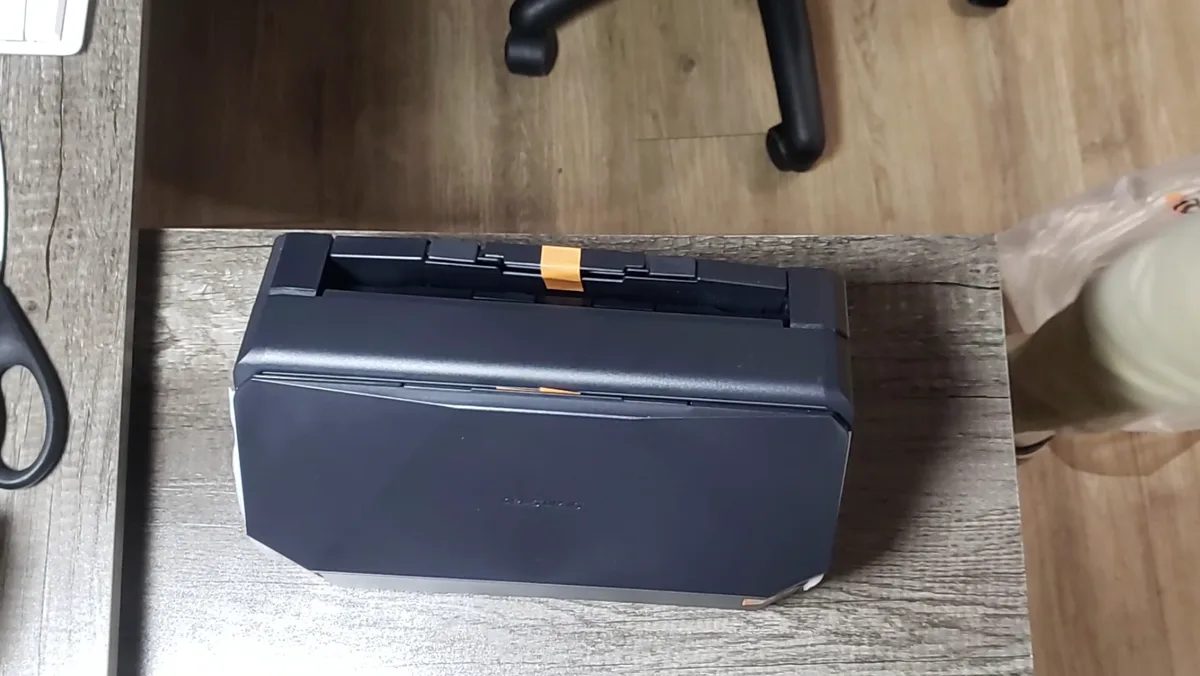
Disclosure: PFU America sent me the ScanSnap iX2500 free of charge for this review (a manufacturer-refurbished unit). They didn't see this article before it went live and had no say in what I wrote. Amazon links on this page are affiliate links: if you buy through them I may earn a small commission at no extra cost to you.
Paper has a way of piling up: receipts, invoices, contracts, old photos. The ScanSnap iX2500 is PFU's current flagship desktop scanner, built to turn that pile into searchable files as fast as possible. I used it for receipts and invoices, documents and contracts, and a batch of photos, and it was fast and reliable the whole way through. It's an easy recommendation for anyone who deals with real paperwork.
Quick verdict
Setup took less than 15 minutes, scanning is fast, and features like searchable PDFs and scanning straight to my phone and the cloud worked without fuss. It's not cheap and it doesn't have a flatbed, but if you scan regularly it's a big upgrade over a phone app or a printer's flatbed.
| Best for | Home offices, freelancers and small businesses with regular paperwork |
| Skip if | You scan a few pages a year, or you need to scan books and fragile items |
| Biggest strength | Fast, reliable two-sided scanning with almost no setup |
| Biggest weakness | Price, and no flatbed |
Specs
| Spec | ScanSnap iX2500 |
|---|---|
| Speed | 45 pages per minute / 90 images per minute (both sides) |
| Feeder | 100-sheet automatic document feeder |
| Display | 5-inch color touchscreen |
| Connectivity | Wi-Fi, Bluetooth, USB-C |
| Optical resolution | 600 dpi |
| Scan profiles | Up to 100, selectable on the touchscreen |
| Output | Searchable PDF, JPEG, editable Word, Excel and PowerPoint |
| Destinations | PC, Mac, Chromebook, phone/tablet, cloud services, network folders |
| Software | ScanSnap Home (desktop and mobile); my unit came with a Kofax Power PDF license |
| Price | Around $380–$420 at major retailers at the time of writing |
Unboxing and setup
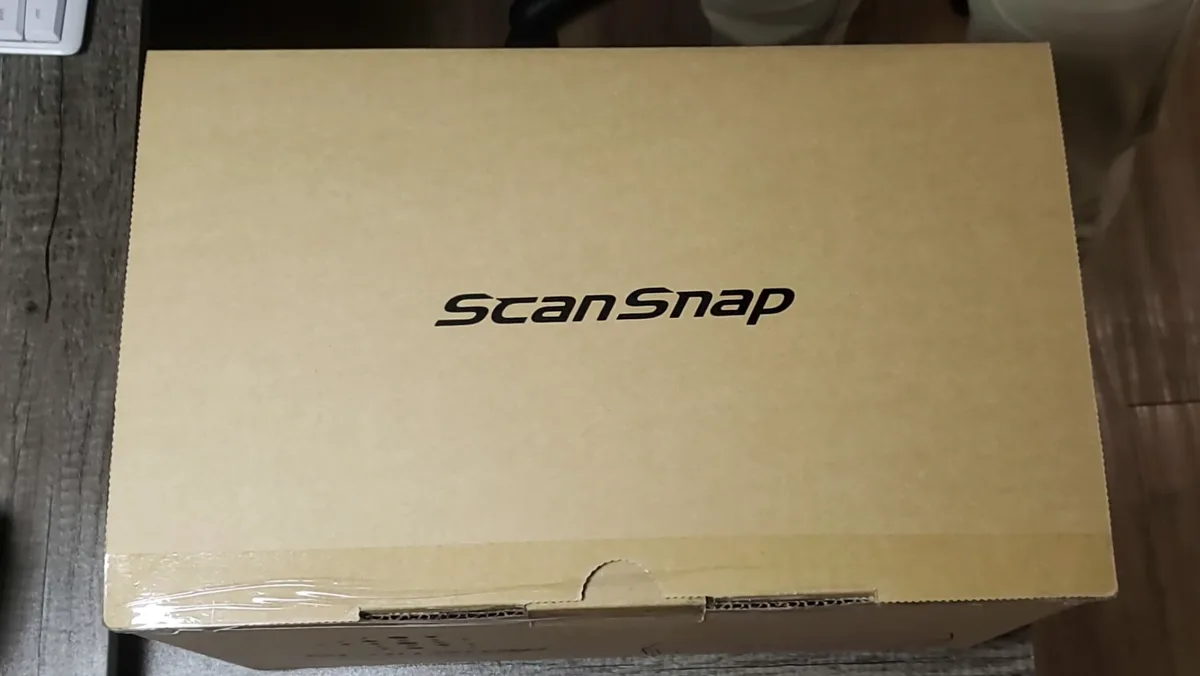
My unit was a manufacturer-refurbished iX2500, which is how PFU shipped it. It arrived well protected in molded cardboard, with the power adapter, a USB-C cable and the paperwork. It looked and worked like new. The refurbished unit has a label on the back explaining its warranty terms, so check what applies if you're buying refurbished yourself.
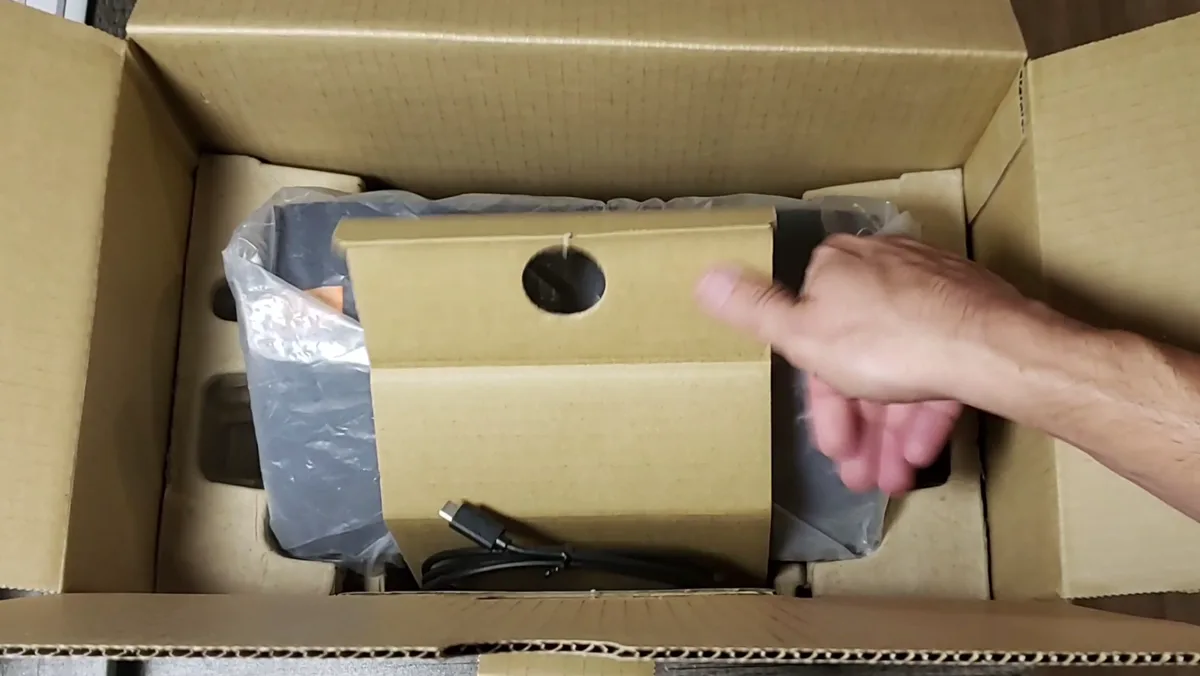
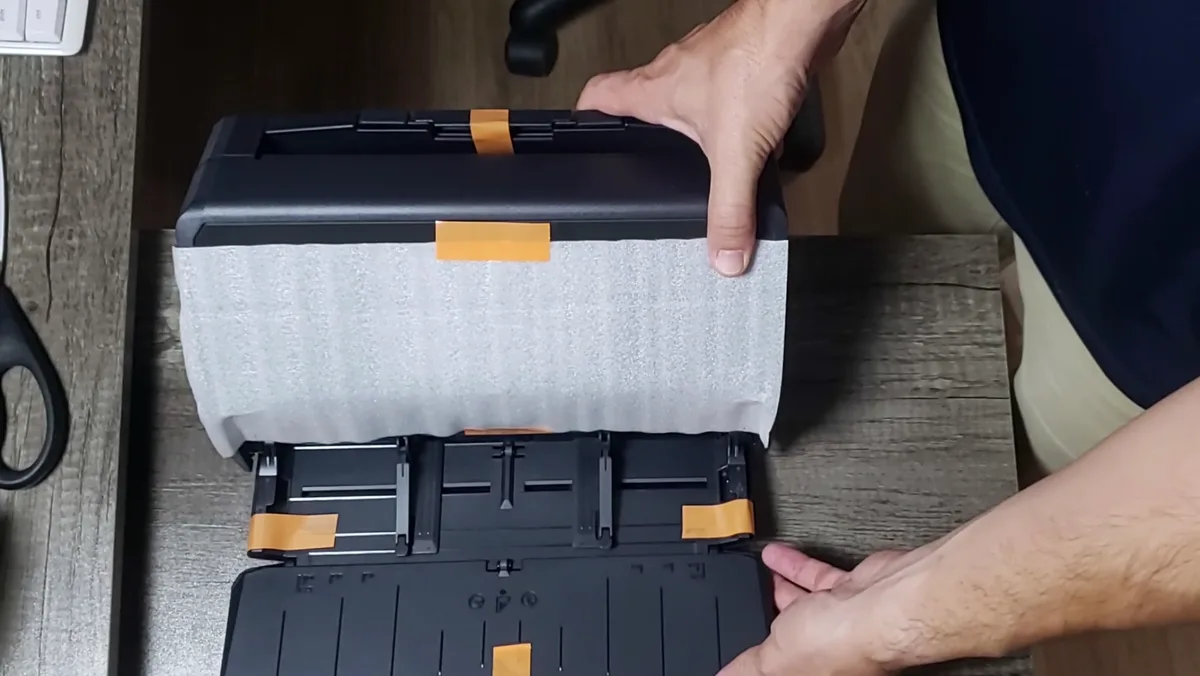
Setup was easy: under 15 minutes from opening the box to the first scan. You remove the shipping tape, install ScanSnap Home, and the app walks you through connecting the scanner over Wi-Fi or USB. Once it's on your network, you can scan to your computer or phone without plugging anything in.
Scanning in practice
I put it through three kinds of work:
- Receipts and invoices. You can drop in a stack of mixed sizes and it feeds them through quickly. This is where a dedicated scanner beats a phone app by a mile.
- Documents and contracts. Multi-page, two-sided documents go through in one pass, and the scanner handles both sides at once.
- Photos. It scans 4×6 photos quickly, which makes digitizing an old box of prints realistic. For archival-quality photo work, a dedicated photo or flatbed scanner will still do better, but for getting family photos into digital form it does the job.
Across all of it, the iX2500 was fast and reliable. The 5-inch touchscreen makes it easy to pick a scan profile before you hit the button, so you can have one profile for receipts, another for contracts and another for photos, each going to its own destination and format.
Searchable PDFs, phone and cloud
These were the features I tested beyond basic scanning:
- Scan to PC/Mac through ScanSnap Home. Files land in a folder you choose, already named and organized.
- Scan to phone and cloud. The ScanSnap Home mobile app receives scans directly, and with a free ScanSnap Cloud account the scanner can send files to cloud services over Wi-Fi without a computer turned on.
- Searchable PDF (OCR). Scanned documents come out as PDFs you can search and copy text from. For contracts and invoices this is the real value: you can find a document months later by searching for a name or an amount.
As someone who runs a Proxmox home lab, I also like that it can scan to network folders. I didn't test that path for this review, but it opens the door to a fully self-hosted paperless setup.
What could be better
- Price. At around $400 it's a real investment for home use. If you only scan occasionally, it's hard to justify.
- No flatbed. Books, thick items and fragile documents won't go through a sheet feeder.
- No TWAIN driver. If your business software expects a TWAIN scanner, check compatibility first.
Who should buy it
Buy the ScanSnap iX2500 if:
- You handle receipts, invoices or contracts every week.
- You want searchable PDFs without manual OCR steps.
- You want to scan straight to your phone or the cloud over Wi-Fi.
- You're digitizing a backlog of documents or photos.
Skip it if:
- You scan a handful of pages a year. Your phone is enough.
- You need to scan books or fragile originals. Get a flatbed.
Final verdict
The ScanSnap iX2500 does exactly what a document scanner should: it's fast, reliable and easy to set up, and it turns paper into searchable files with almost no effort. Setup took me less than 15 minutes, and receipts, contracts and photos all went through without problems. The price and lack of a flatbed are the trade-offs. For a home office or small business that deals with paper regularly, I recommend it.